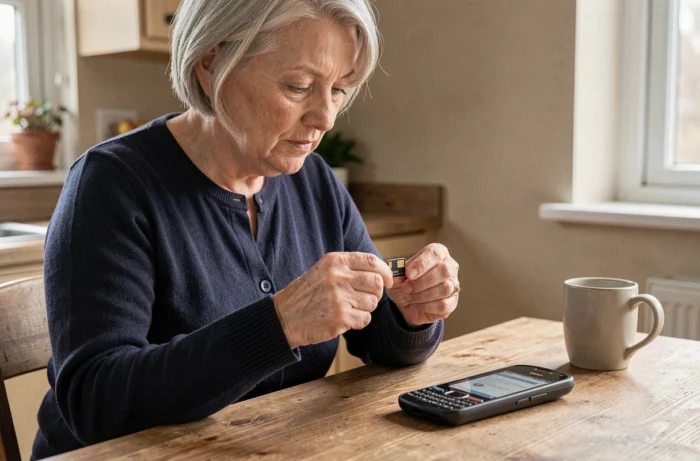
Your loved one has just received a Doro phone, but the SIM card you had tucked away in the drawer isn’t working. The format doesn’t match, or the network refuses to activate. This scenario happens more often than one might think with Doro phones, as each model imposes its own technical constraints regarding the SIM card.
Carrier Lock on Doro Phone: The Trap to Check First
Before even discussing format or plan, one point deserves your attention. Some Doro phones are locked to a carrier, even if the inserted SIM card is physically compatible. In practical terms, this means that the mobile refuses to activate a card from another network.
This lock mainly concerns models purchased as part of a carrier package (with a plan included). If the phone was bought alone, referred to as “unlocked,” it is generally free from any carrier restrictions. To verify this, insert a SIM card from another network: if the mobile displays an error message or requests an unlock code, you are facing a carrier lock.
Researching which SIM card for Doro phone helps to better understand these constraints before purchase. Unlocking is possible by contacting the original carrier, but the process can sometimes take several days.
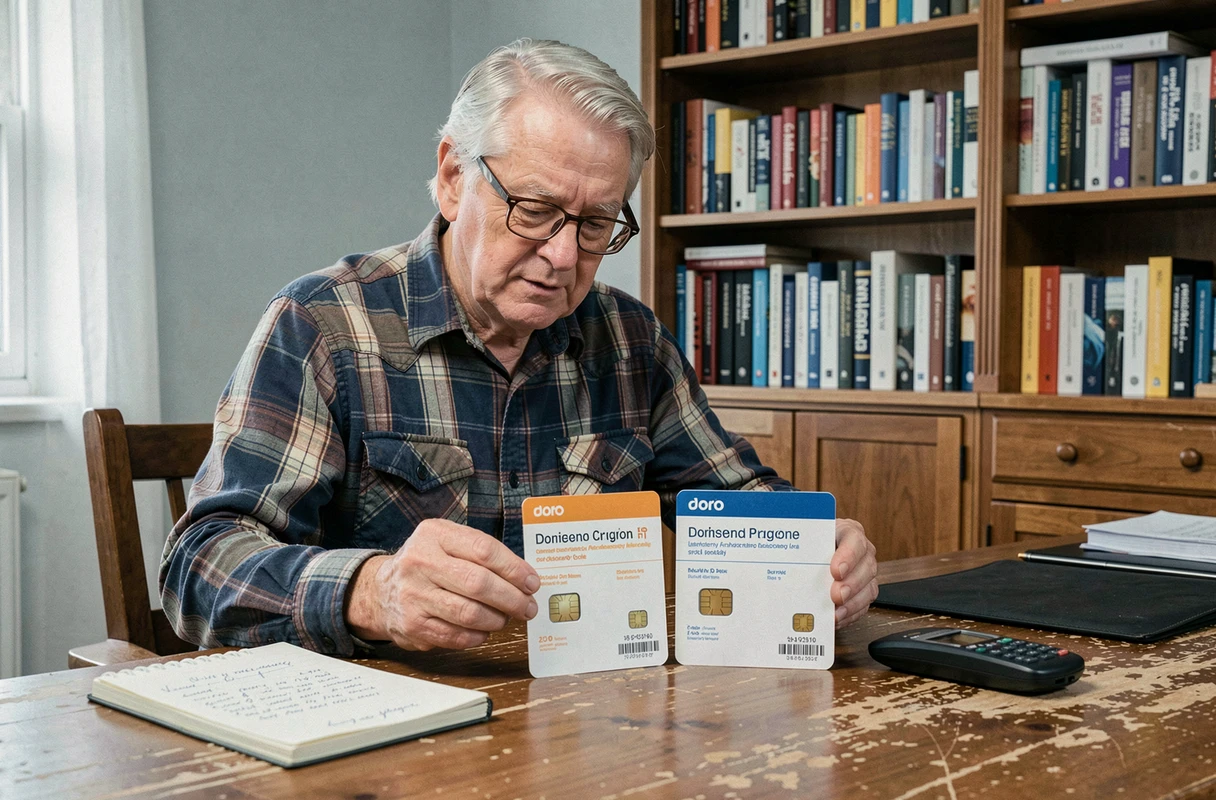
Doro SIM Card Format: Nano, Micro, or Standard
Doro phones do not all use the same SIM card format. This is the most common source of error. There are three formats available on the market, from largest to smallest: standard SIM, micro-SIM, and nano-SIM.
How to Identify the Correct Format for Your Model
The manual that comes with the phone always indicates the required format. If you no longer have it, the manufacturer’s website lists this information for each model. Recent Doro models often only accept the nano-SIM, the smallest available format.
Cards referred to as “triple cut” sold by carriers seem to solve the problem. They allow you to detach the desired format. In practice, you need to ensure that the final format matches that of the SIM drawer of your Doro. A poorly cut card can get stuck or damage the connector.
What to Do If Your SIM Card Is Too Large
If you already have a plan with a card of the wrong format, your carrier can send you a new card in the appropriate format. This operation usually costs a few euros. Avoid manual cutters sold online: the risk of damaging the chip is real, especially for a nano-SIM that leaves almost no margin.
Mobile Plan Suitable for Seniors: The Criteria That Really Matter
Once the format is settled, the question of the plan remains. You may have noticed that mobile offers all look similar at first glance. For use on a Doro phone, the needs are often very different from those of a typical smartphone user.
- Unlimited calls and SMS remain the top priority. Most Doro users prioritize voice calls and text messages well before web browsing.
- The volume of mobile data (Internet) can remain limited. A few hundred megabytes are sufficient for checking the weather or receiving an MMS. Low-cost plans widely cover this usage.
- The 4G network coverage of the carrier in the holder’s area of residence is a more determining factor than price. A cheap plan on a poorly covered network in your municipality renders the phone useless.
Opt for a no-contract plan if the Doro phone was purchased unlocked. This allows the freedom to change carriers without fees in case of coverage issues.
eSIM and Doro Phone: A Still Rare Option
The eSIM is a virtual SIM card, directly integrated into the phone. It avoids any physical handling: no drawer to open, no format to check. Activation is done via a QR code provided by the carrier.
Why mention it here? Because some recent Doro models running Android could technically support this technology. To check if your Doro manages eSIM, dial *#06# on the keypad. If an EID identifier appears, the phone is compatible. You can also look for the “Add an eSIM” option in the network settings.
In practice, most Doro feature phones (the simplest models) do not offer eSIM. This option mainly concerns Doro smartphones running Android. And not all carriers offer it yet in their entry-level plans.
Activating Your SIM Card on a Doro: The Concrete Steps
Once you have the correct card, activation remains simple if you follow a precise order:
- Turn off the phone before inserting the SIM card. Slide it into the designated drawer (often under the battery on flip models, or in a side drawer on smartphones).
- Turn on the phone and enter the PIN code provided with the card. This code is on the original plastic holder of the SIM card.
- If the network does not appear after a few minutes, restart the phone. On some models, an APN (Access Point Name) setting may be necessary to activate mobile data.
- In case of a lock after three incorrect PIN attempts, the PUK code (written on the same holder) can unlock the card.
Always keep the plastic holder of your SIM card in a safe place. It contains the default PIN code and the PUK code, two pieces of information that are difficult to retrieve otherwise.
Choosing a SIM card for a Doro phone revolves around three points: the physical format suitable for the exact model, the absence of carrier lock, and a plan tailored for voice and SMS usage. Checking these three elements before purchase avoids most of the blocks encountered during the first startup.